23-06-27 - Generating a Bookmarks Page From a Chrome Bookmarks Folder
I wanted a bookmark web page I could switch to (using CTRL-<Tab Number>) and then quickly open a bookmarked site.
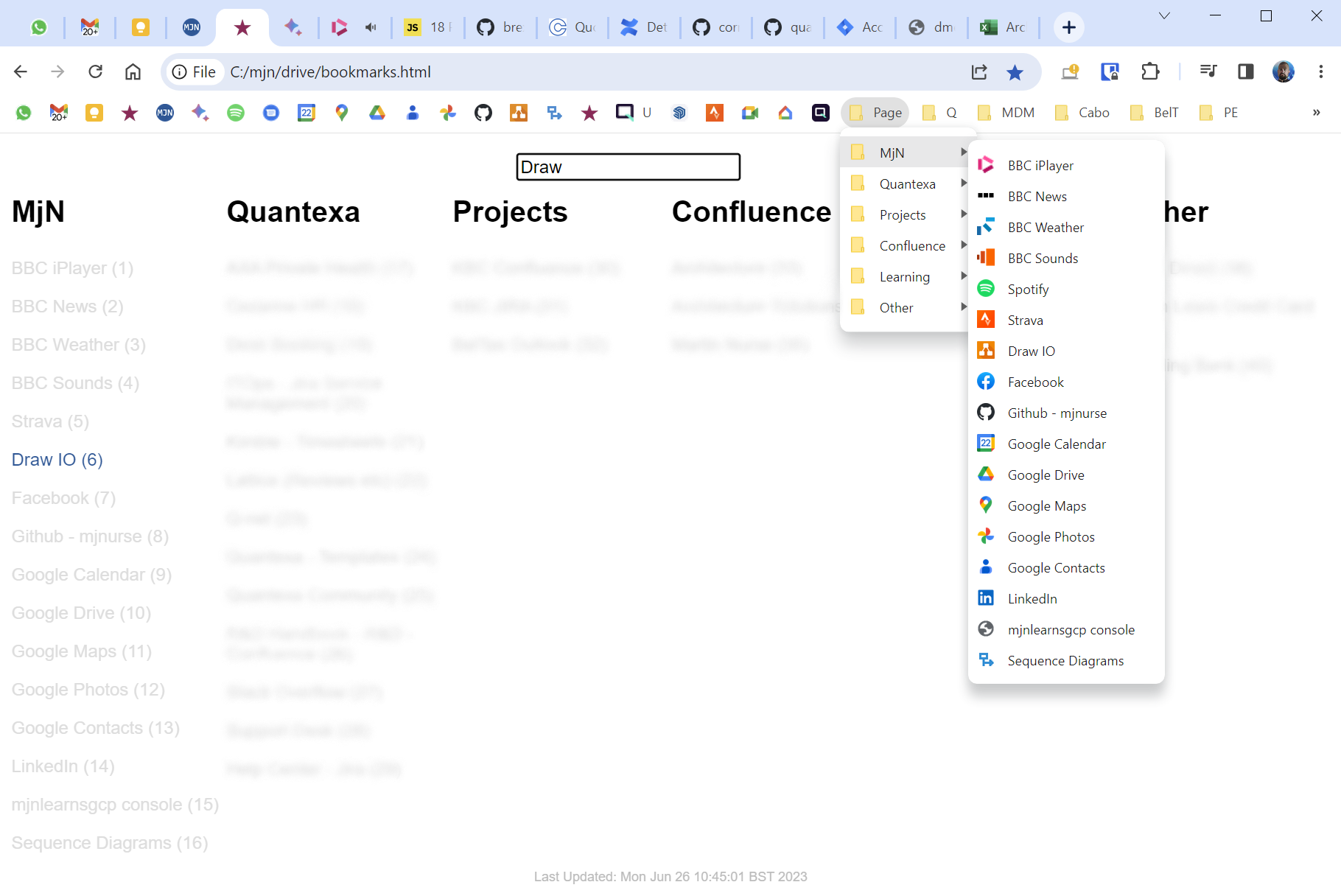
I created a bash script to read the bookmarks from a folder in the Chrome bookmark bar (folder name: Page) and create a web page.
I added Javascript (from this site) that allows me to go to a bookmark (link) by typing in the associated number. I can also search the bookmarks by typing / and then entering part of the name. Pressing Return opens the first matching bookmark.
All bookmarks are opened in a new tab meaning the bookmark page can be used again.
The bash script is here.
Bookmark page shown below.
|  |
|